 en
en
Discount in the Get Driven app: how to use your voucher or referral code
Want a discount on your rides with Get Driven? In this guide, we'll show you step-by-step how to add a voucher code or a referral code in the app. Both give you free ride credit, but they work in different ways. Discover below how it works!
Discount: The Get Driven App – How to Use Your Voucher/Referral Code
With the Get Driven app, you can easily book a driver for your own car. If you have a voucher or referral code, here's how to apply it:
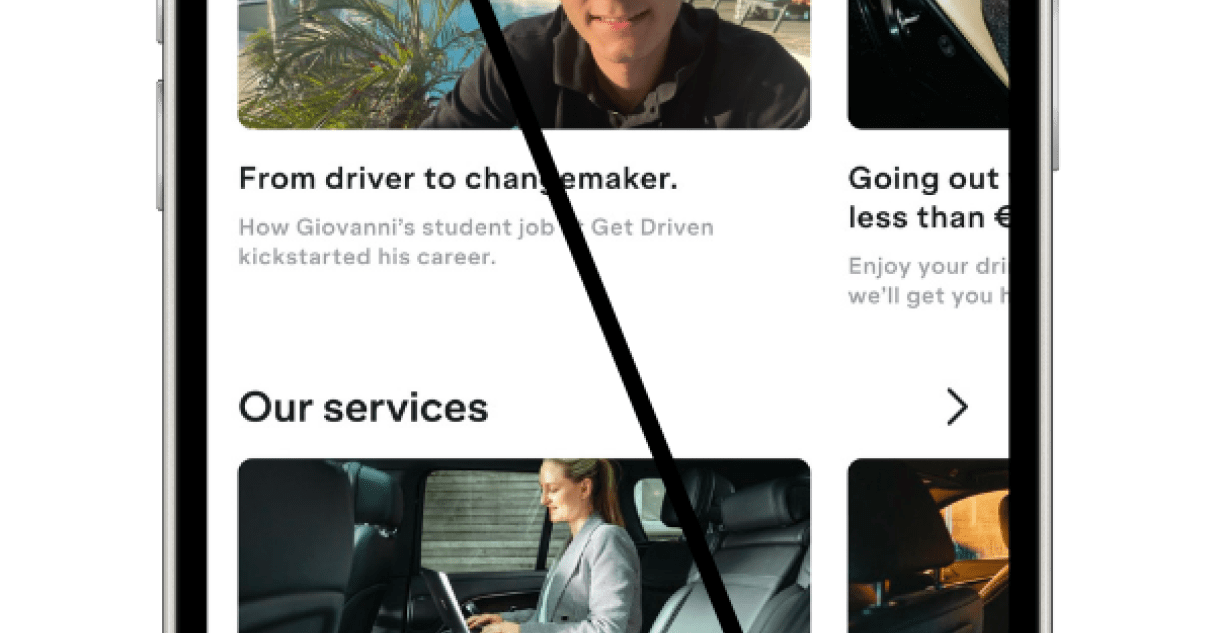
Open the Get Driven app and click on "Account"
On the home screen, click "Account" at the bottom right.

Go to "Wallet"
In the Account overview, click on Wallet.
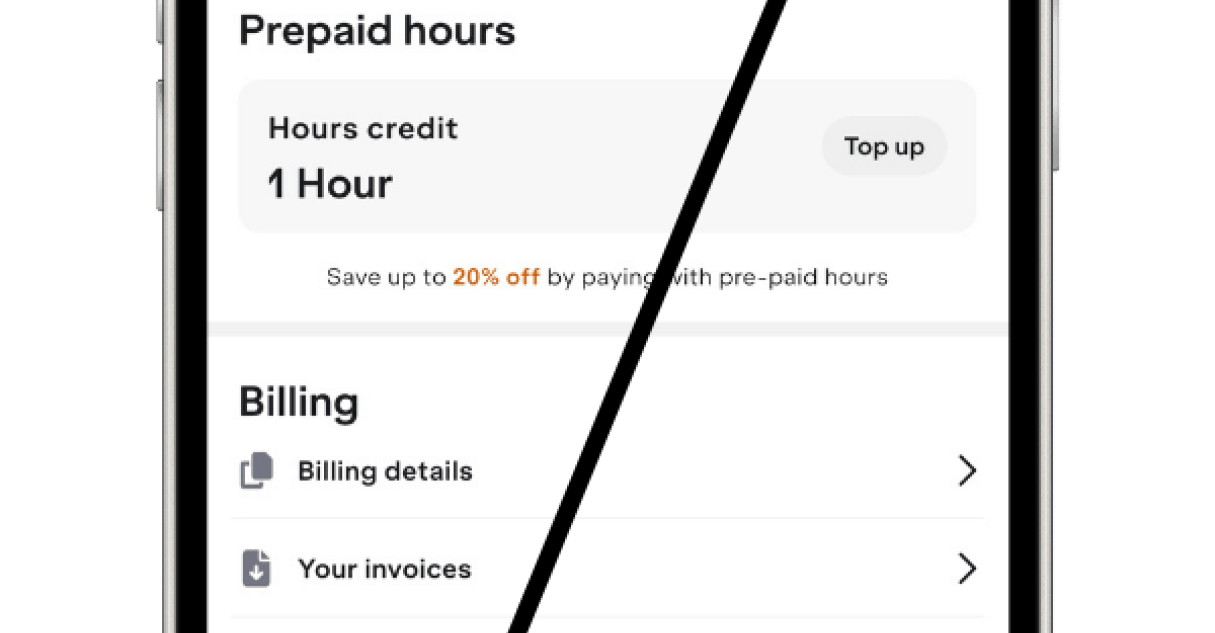
Scroll to "Voucher" and click on it
Under Voucher, click to view your voucher overview.

Click on "Enter voucher code" and enter your code
At the top, you can now enter and activate your voucher code.
Add a referral code with these steps
Have you received a referral code from a friend or colleague? You can use it within 14 days after your registration.
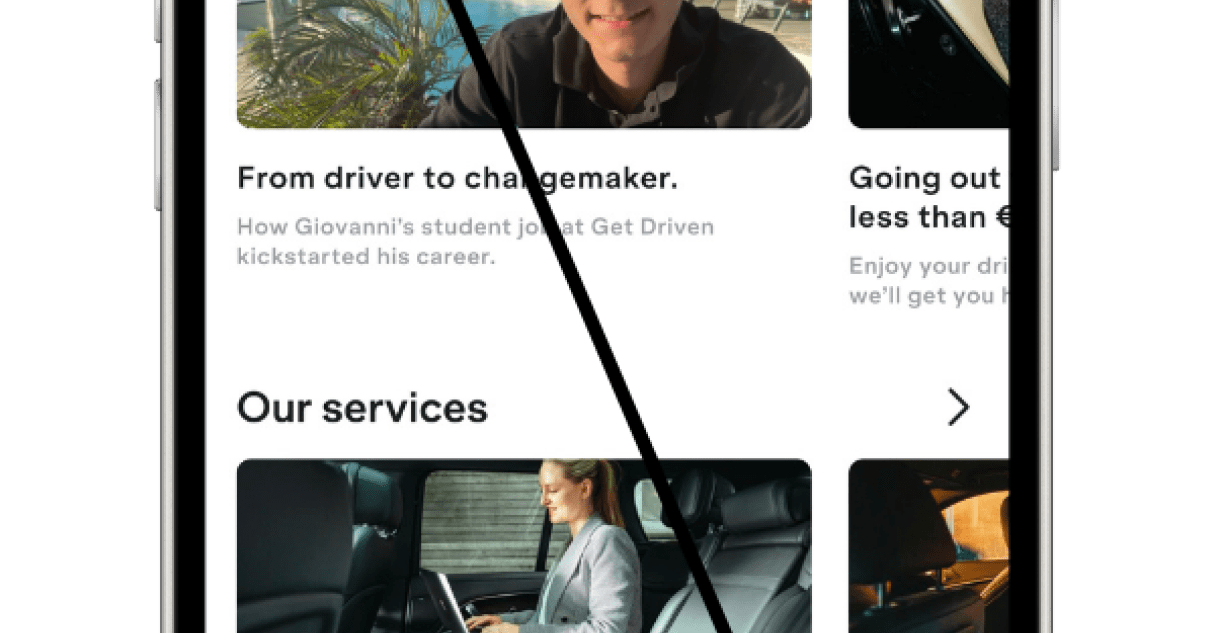
Open de app en ga naar "Account"
Tik op het icoontje "Account" rechtsonder in het startscherm.

Klik op "Introduce a friend"
In het Account-menu tik je op "Introduce a friend".

Tik op "Enter referral code"
Scroll naar beneden en klik op "Enter referral code".

Voer je code in en druk op "Add"
Typ de code in het veld en bevestig door op Add te tikken.
Note:
- A referral code only works within 14 days after registration.
- You and your friend will both receive 1 hour of driving credit once the first ride is completed.
- You can share your own code via the "Share" button.